Drone pads for live music
A pad in every key. Ready when you are.
Tap a key and a warm ambient pad fills the room: under a song, between songs, while someone speaks. It holds until you stop it, and key changes crossfade so nobody hears the switch.


Where it fits
The glue of a live set
A pad keeps the music going when the songs stop.
Between songs
Hold the key of the next song while the band tunes, swaps instruments or counts in. The room never drops to silence.
Under speaking
A soft bed under announcements, readings, a host, a toast or a prayer.
Before the doors open
Set the mood while people walk in, and fill scene changes in theatre and dance.
Worship and church
The classic use: a pad under the set that carries from one song into the next.
Ceremonies
Weddings, memorials and award nights, where music has to come and go without a gap.
Live events
Conferences, galas and product launches: a steady bed under walk-ins, stage changes and speeches.
Features
Built for the stage
Everything a drone pad needs, nothing that gets in the way of the show.
Tap a key, it plays
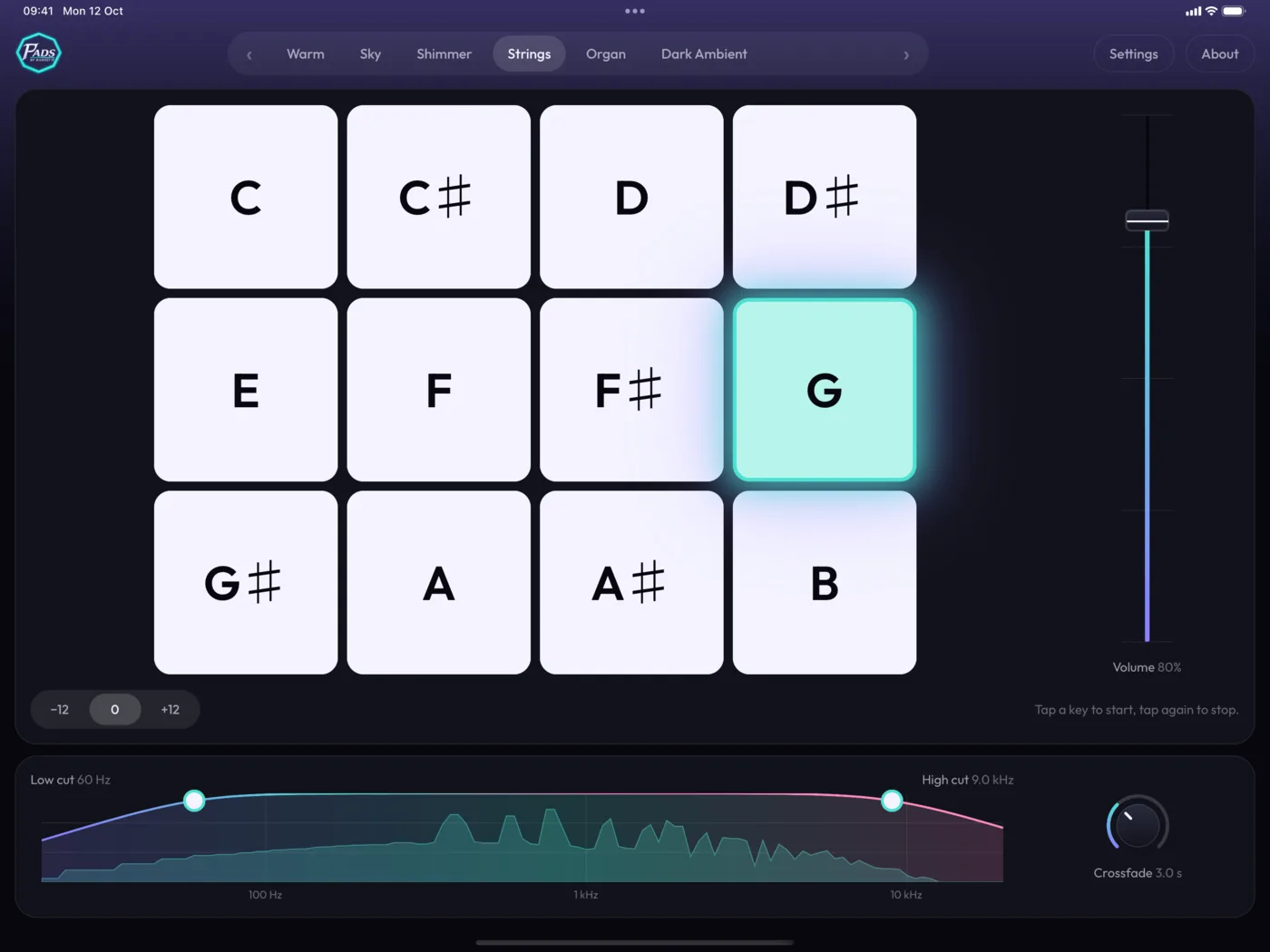
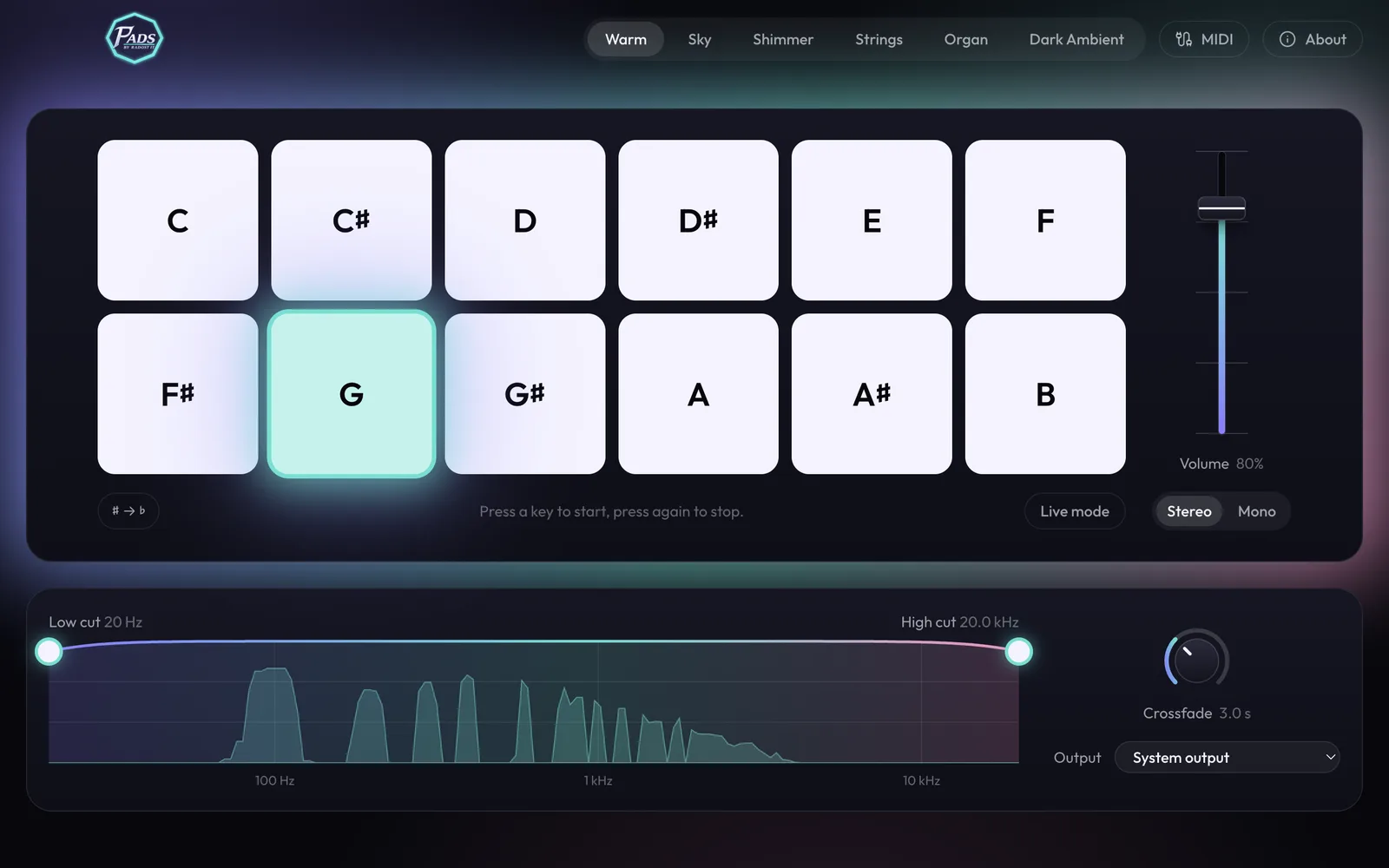
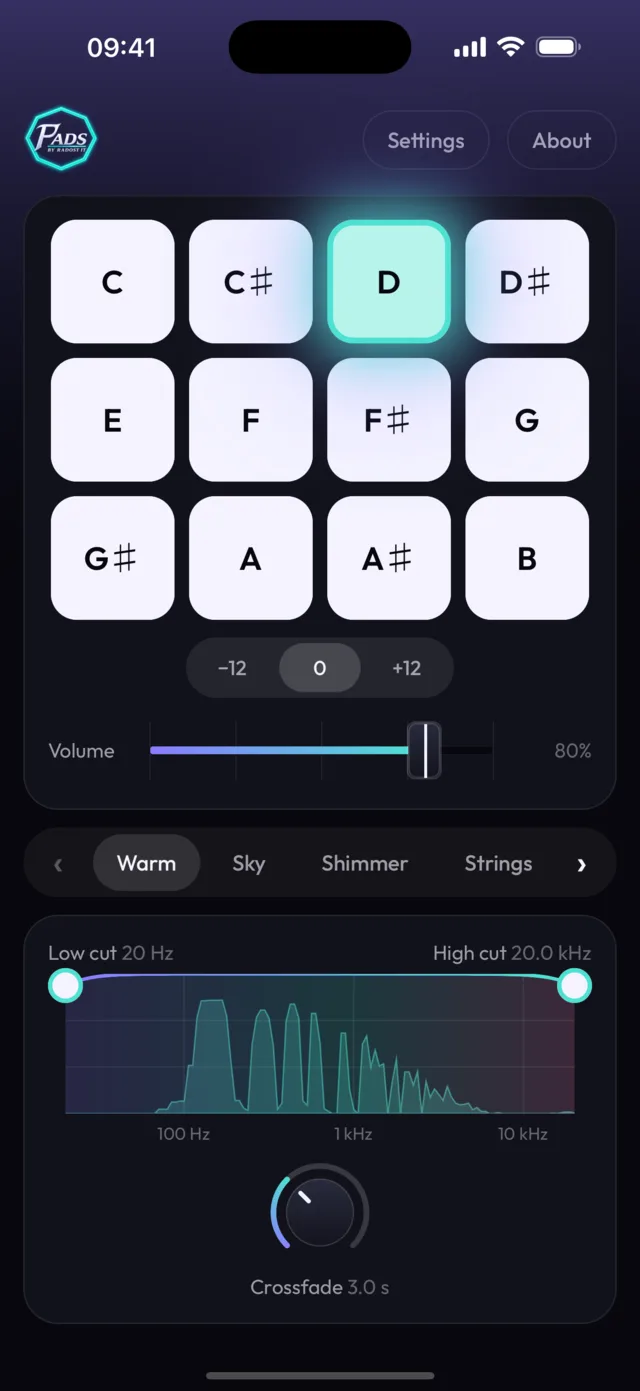
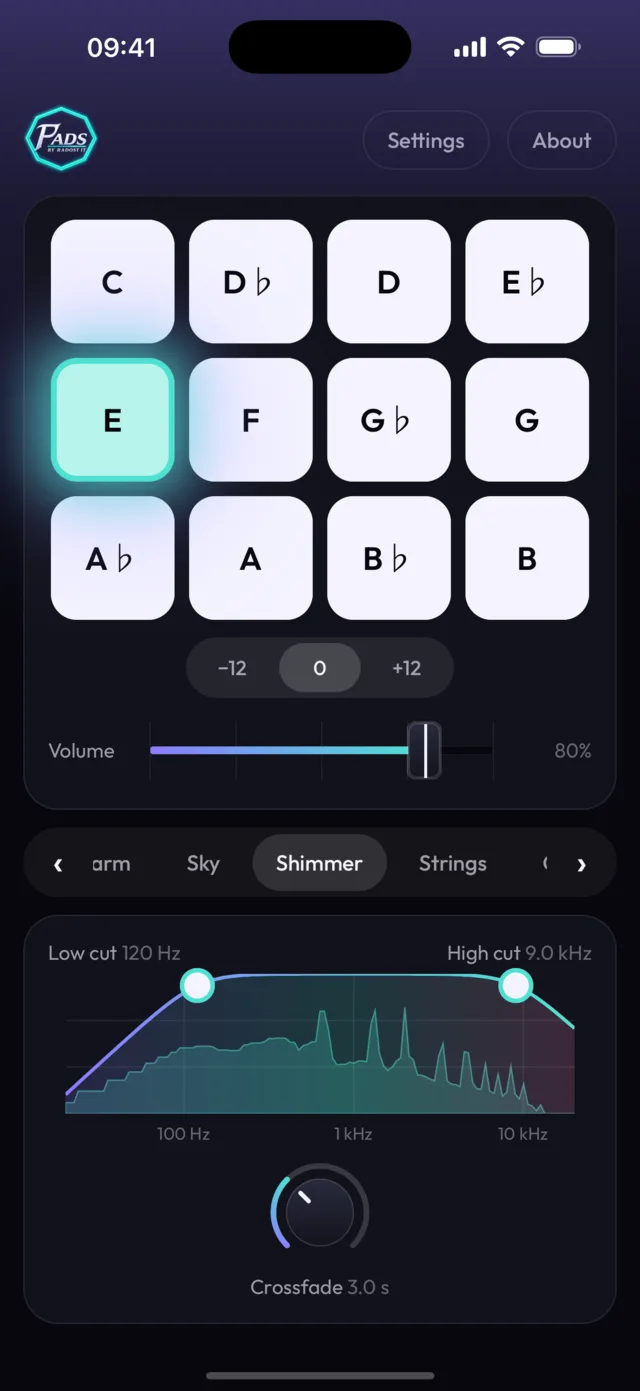
Twelve big square keys, one per key of the octave. The pad holds until you stop it.
Smooth key changes
Pick a new key and the old pad fades out while the new one fades in, over 0.5 to 8 seconds.
Fits major and minor
Each pad plays the root, fifth and octave with no third, so it sits under songs in either.
Shape it to the room
Low cut and high cut each sweep from 20 Hz to 20 kHz to keep the pad out of the way of the band.
Made live, never looped
Pads are synthesized on your device as they play. There is no loop point to hear and nothing to download.
Knobs and faders
Crossfade on a knob, volume on a fader, like a mixing desk. Map them and every key to a MIDI controller.
Live mode
On Android one switch silences calls and notifications while the pad plays. On iPhone and the Mac, a short checklist does the same before the show.
Straight to the mixer
Stereo or mono out. On the Mac, send the pad to your audio interface while alerts stay on the laptop speakers.
Cables and setupsScreenshots
Same pads on every screen
One app for the Mac, iPhone, iPad and Android, with the same keys and sounds.
Sounds
Pick a colour
Every sound is available in all 12 keys.
Pricing
Pay once, keep it
$9.99
One-time purchase. No subscription.
- Every sound in all 12 keys
- One purchase for iPhone, iPad and Mac
- Plays offline
- No account needed
Price in US dollars. The stores set the price in each country and currency, so it may differ where you live.
FAQ
Questions
Does Pads need an internet connection?
No. The sound is generated on your device while it plays, so nothing streams.
Will the pad clash with my song?
Pads leave out the third of the chord, so the same pad works for a song in C major and one in C minor.
Is it a subscription?
No. You pay $9.99 once.
Is the price the same in every country?
$9.99 is the US price. The App Store and Google Play set the price in each country and currency, so it may differ where you live.
Do I pay again for the Mac or the iPad?
No. On the App Store one purchase covers iPhone, iPad and Mac, with the same Apple Account. Google Play and Windows are separate stores, so they are separate purchases.
When can I get the apps?
Now: Pads is on the App Store for iPhone and iPad, on Google Play for Android and in the Microsoft Store for Windows. The Mac app is coming soon. Join the newsletter and we will tell you when it launches.
Hear about the launch first
Sign up and we will tell you when the Mac app is out.
Contact
Get in touch
Questions, ideas for new sounds, or feedback from your team. We would love to hear it.